
 How to Reset a Forgotten Fairplay Login Password
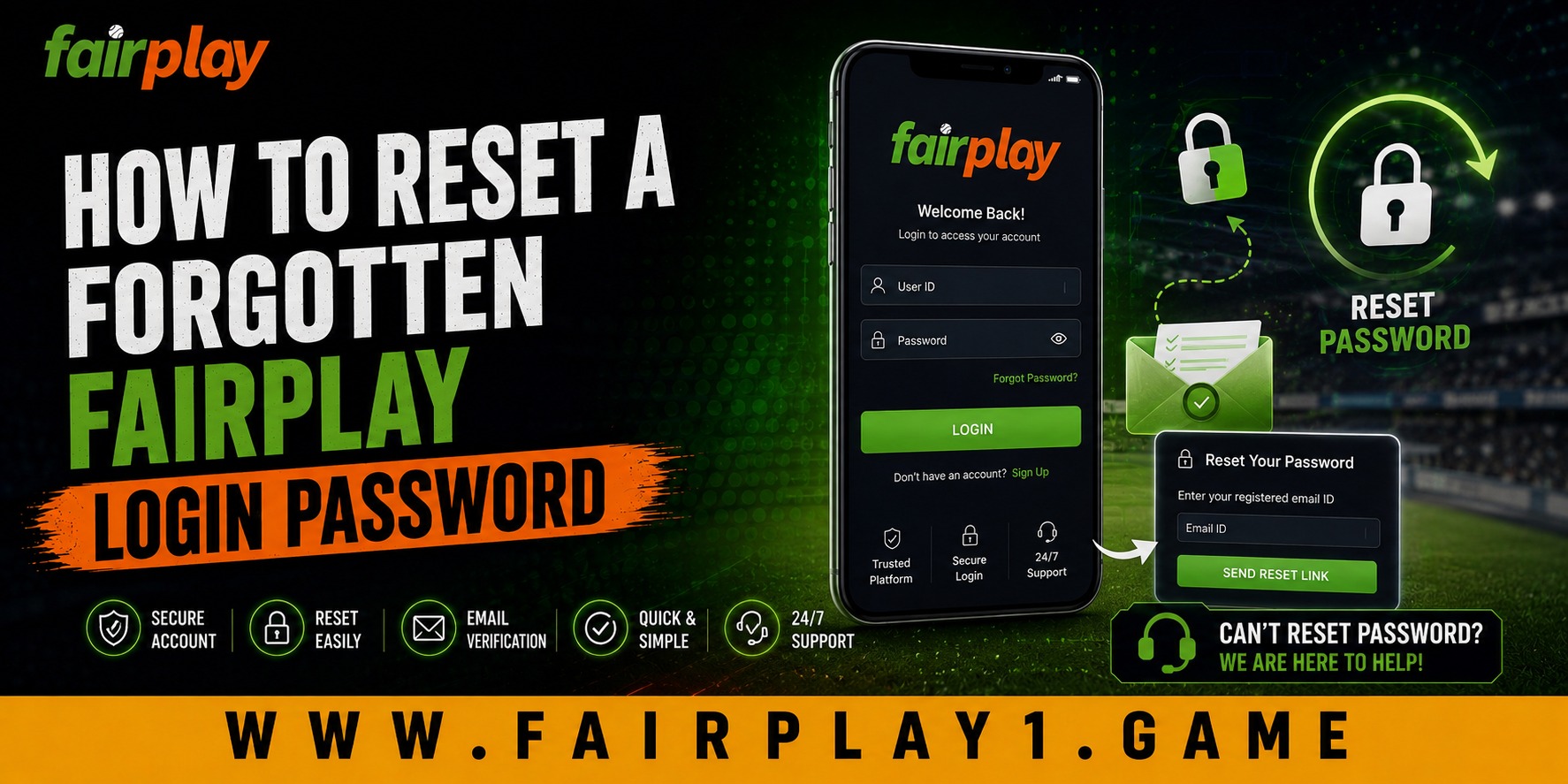
 2026-09-02
Forgetting a password can be frustrating, especially when you need quick access to your account. Fortunately, password recovery is usually a straightforward process when you have access to the mobile number or email address linked to your account. The Fairplay login recovery process is designed to help users verify their identity and create a new password without unnecessarily complicating account access. In this guide, we explain the usual recovery steps, common problems, security precautions, and simple habits that can make future logins easier.
Why Password Recovery Matters
A forgotten password is more than a minor inconvenience. If account recovery is confusing or difficult, users may repeatedly enter incorrect details, become temporarily locked out, or turn to unofficial sources for assistance.
A clear recovery process gives users a more comfortable experience. Instead of guessing passwords or creating multiple accounts, users can follow a structured verification process and regain access to their existing account.
For businesses, a simple recovery system also supports better customer experience. It reduces unnecessary support requests while giving customers clear instructions when they need help.
Step-by-Step Password Reset Process
The exact options can vary depending on the current Fairplay website or account setup, but the general process usually follows these steps.
1. Open the Login Page
Start by accessing the legitimate Fairplay website or application you normally use. Check the website address carefully before entering any personal information.
2. Select “Forgot Password”
Look below the password field for an option such as “Forgot Password” or “Forgot Username/Password?” Selecting this option should take you to the account recovery section.
3. Enter Your Registered Details
You may be asked to provide your registered mobile number, email address, username, or another account identifier. Enter the information carefully to avoid delaying the recovery process.
4. Complete Verification
Depending on the available recovery method, you may receive an OTP or password-reset link. Complete the verification using the registered contact method associated with your account.
Never share an OTP with another person, even if someone claims to be helping with your account.
5. Create a New Password
Once your identity has been verified, create a new password that is difficult to guess. Avoid using your name, date of birth, phone number, or a password that you already use on another website.
6. Log In Again
After successfully changing the password, return to the login screen and enter your updated credentials. If the system keeps an old session open, closing and reopening the browser or app may help.
What If the Reset Link or OTP Does Not Arrive?
Delayed messages are one of the most common frustrations during account recovery. First, check whether the registered mobile number or email address is correct. If you are using email recovery, look in the spam or junk folder.
If an OTP expires, request a new one rather than repeatedly entering an older code. Also make sure your phone has a stable network connection.
If the recovery option still does not work, avoid repeatedly submitting incorrect information. Contact customer support through a verified Fairplay support channel and explain the problem clearly.
Creating a Stronger Password for Long-Term Security
A password reset is also a good opportunity to improve account security. We recommend creating a unique password that combines different types of characters and is not used on another service.
Using a password manager can make this easier, particularly if you manage several online accounts. You should also keep your registered email address and mobile number up to date where the platform allows it.
Good password habits improve both convenience and long-term value because they reduce the likelihood of repeated recovery problems.
Ease of Use and Changing Customer Expectations
People increasingly expect online services to provide simple account recovery without making security feel unnecessarily complicated. Customers want clear instructions, quick verification, and useful support when something goes wrong.
This balance between convenience and security matters. A recovery process should be easy enough for a first-time user to understand while still requiring reasonable verification before account access is restored.
Mobile compatibility is another important consideration. Many users access online services through smartphones, so recovery instructions should remain easy to follow on smaller screens.
Thoughtful and Secure Account Management
Good account management is not only about recovering a forgotten password. It also means making thoughtful decisions about where and how you enter your credentials.
Avoid public computers when possible, do not save passwords on shared devices, and never follow suspicious links received through unknown messages. Before entering account information, confirm that you are using the intended website or application.
These simple habits can reduce unnecessary security risks while making future account access more predictable.
Conclusion
Forgetting a password does not have to become a major problem. By using the official recovery option, verifying your registered details, creating a unique password, and keeping your account information updated, you can make the recovery process smoother. The Fairplay system should always be approached through a trusted access point, and users should never share passwords or verification codes with unknown individuals. Fairplay can provide a more convenient customer experience when account recovery combines straightforward instructions with responsible security practices.
FAQs
1. What should I do if I forget my Fairplay password?
Use the “Forgot Password” option on the login page and follow the available verification steps using your registered mobile number, email, or other requested account details.
2. What if I do not receive the password reset OTP?
Check your mobile network, confirm that your registered number is correct, and request a new OTP. If you still cannot receive it, contact verified customer support.
3. Can I use my old password after resetting it?
It is better to create a new, unique password instead of reusing an old one. Avoid using the same password across multiple accounts.
4. Should I share my OTP with customer support?
No. OTPs and passwords should remain private. A legitimate support representative should not require you to disclose your password or verification code.
5. What should I do if my account remains locked?
Stop repeatedly attempting to log in and check the platform's recovery instructions. If the issue continues, contact Fairplay through an official support channel for account-specific assistance.