
 How Can Users Recognise Fake Fairplay Support Messages?
 2026-10-23
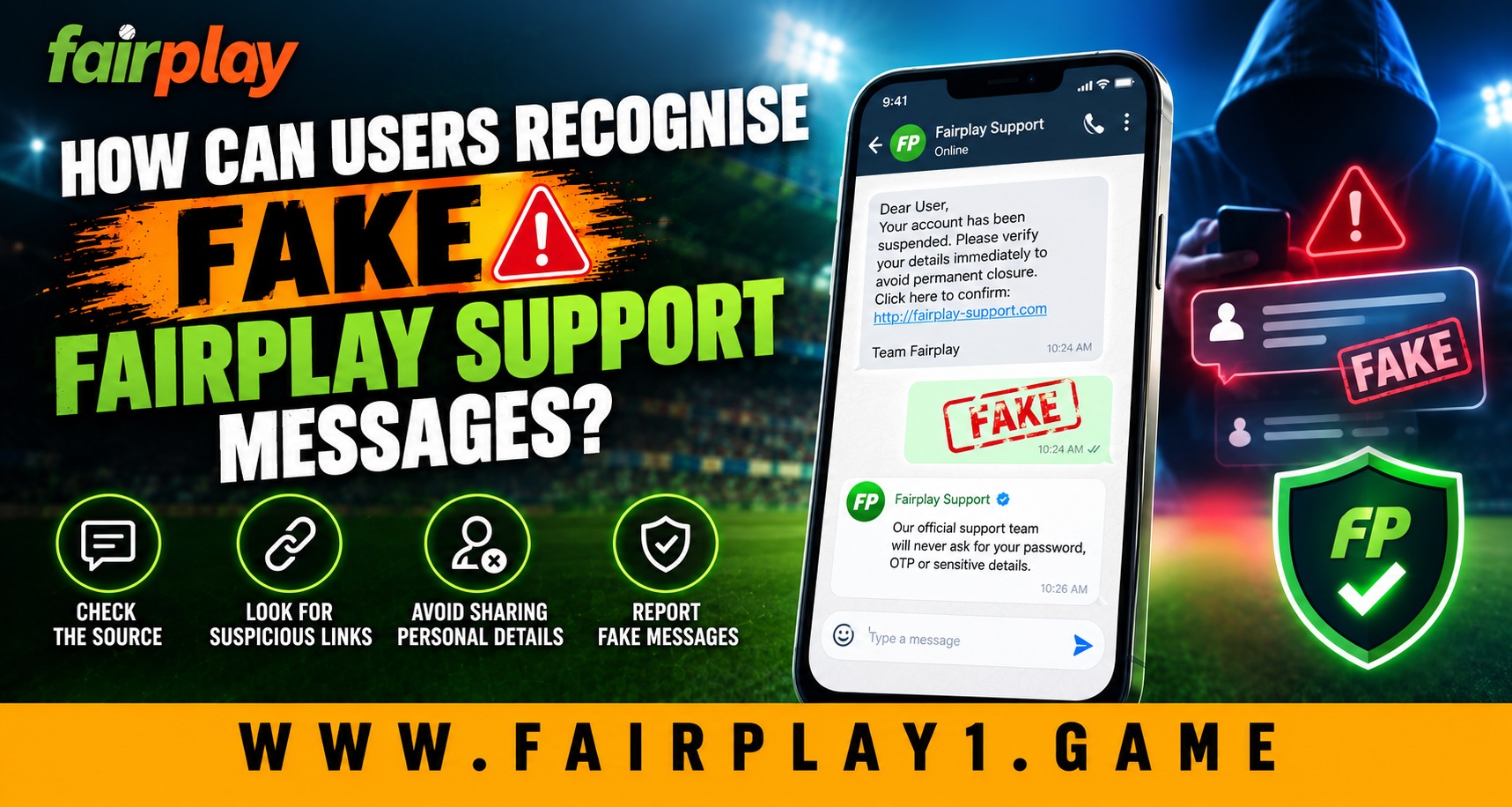
Online support messages can be useful when users face login errors, payment delays, or account access problems. However, scammers sometimes pretend to represent familiar brands to collect passwords, personal information, or money. Knowing how to recognise these messages is an important part of safer online activity. When dealing with Fairplay, users should verify the sender's identity before replying, opening links, or sharing account details.
1. Check the Sender's Identity Carefully
One of the first things to examine is who sent the message. Fake support accounts may use a familiar brand name, copied logo, or profile picture to appear genuine. Some may contact users through messaging apps, social media, email, or text messages.
Do not assume that a professional-looking profile is trustworthy. Check the sender's details against contact information obtained independently from a website you have already verified. Be cautious if the account uses an unfamiliar number, a slightly altered username, or a newly created profile.
2. Watch for Urgent Warnings and Unusual Offers
Scammers often try to make people act before they have time to think. A message might claim that an account will be blocked immediately, a payment will be lost, or a special reward will expire within minutes.
Other warning signs include unexpected bonuses, promises of guaranteed returns, and threats demanding immediate action. These messages may create excitement or anxiety to distract users from checking the facts.
A genuine-looking message can still be fraudulent. If something seems unusual, stop and verify the claim through a trusted support channel instead of responding immediately.
3. Never Share Passwords, OTPs, or Payment PINs
Account security depends on protecting sensitive information. A suspicious contact may claim that an OTP, password, UPI PIN, card CVV, or banking credential is required to verify an account or release a payment.
Never disclose these details in a support chat. Be especially careful with requests to transfer money to a personal account, pay an unexpected account-unlocking fee, or install an application sent through an unknown link.
For additional protection, use a strong, unique password and enable multi-factor authentication wherever available. India's cybersecurity agency, CERT-In, also advises users to be cautious with unsolicited messages, suspicious links, and requests for sensitive information.
4. Verify Links Before Opening Them
Fake support messages may direct users to websites designed to resemble legitimate login pages. Small changes in spelling, extra words in a domain, or shortened links can make a fraudulent address difficult to notice.
Instead of clicking a link in an unexpected message, open your previously verified website independently. Check the complete web address before entering any information. A padlock or HTTPS connection alone does not prove that a website is legitimate.
For Fairplay users, this simple habit can help reduce the risk of entering account details on a copied or misleading page.
Read more: How to Identify Genuine Fairplay Access Sources and Avoid Fake Websites
5. What Should You Do After Receiving a Suspicious Message?
The safest response is to pause and avoid engaging with the sender. Do not click links, download attachments, share verification codes, or send money. Keep a screenshot of the message if you need evidence, then block or report the account through the relevant messaging service.
If you have already shared your password, change it through a verified website as soon as possible. If banking information or money is involved, contact your bank or payment provider using its official contact details. In India, suspected cyber financial fraud can also be reported through the national cybercrime helpline at 1930.
6. Build Safer Support Habits for the Long Term
A reliable online experience depends on more than quick replies. Clear communication, accessible help information, and consistent security practices help users make informed decisions.
Before trusting a support message, ask whether the contact was expected, whether the request makes sense, and whether the sender can be independently verified. These checks are easy to follow on mobile phones, computers, and messaging applications.
Taking a few extra moments to verify information can prevent unnecessary stress and help users develop safer digital habits over time.
Conclusion
Recognising fake support messages starts with checking the sender, questioning urgent requests, protecting sensitive information, and verifying website addresses. If you use Fairplay login to access an account, navigate to the verified website independently rather than relying on links sent by strangers. Never share passwords, OTPs, or payment PINs with anyone claiming to offer support. A careful approach helps protect your information and makes online account management safer.
FAQs
1. How can users identify a fake Fairplay support message?
Look for unfamiliar contact details, suspicious links, urgent threats, unusual payment requests, and requests for confidential information. Verify the sender independently.
2. Will a familiar logo prove that a support account is genuine?
No. Scammers can copy logos, profile pictures, and brand names. Always verify the contact details through a trusted source.
3. Should users share an OTP with someone claiming to be support?
No. Never disclose an OTP, password, UPI PIN, or banking credentials in a support conversation.
4. What should users do if they click a suspicious support link?
Close the page without entering information. If you submitted credentials, change the affected password through a verified website and secure your account. Contact your bank promptly if financial information or money is involved.
5. Where can users report suspected online fraud in India?
For suspected cyber financial fraud, call India's national cybercrime helpline at 1930 and report the incident through the official National Cyber Crime Reporting Portal.