
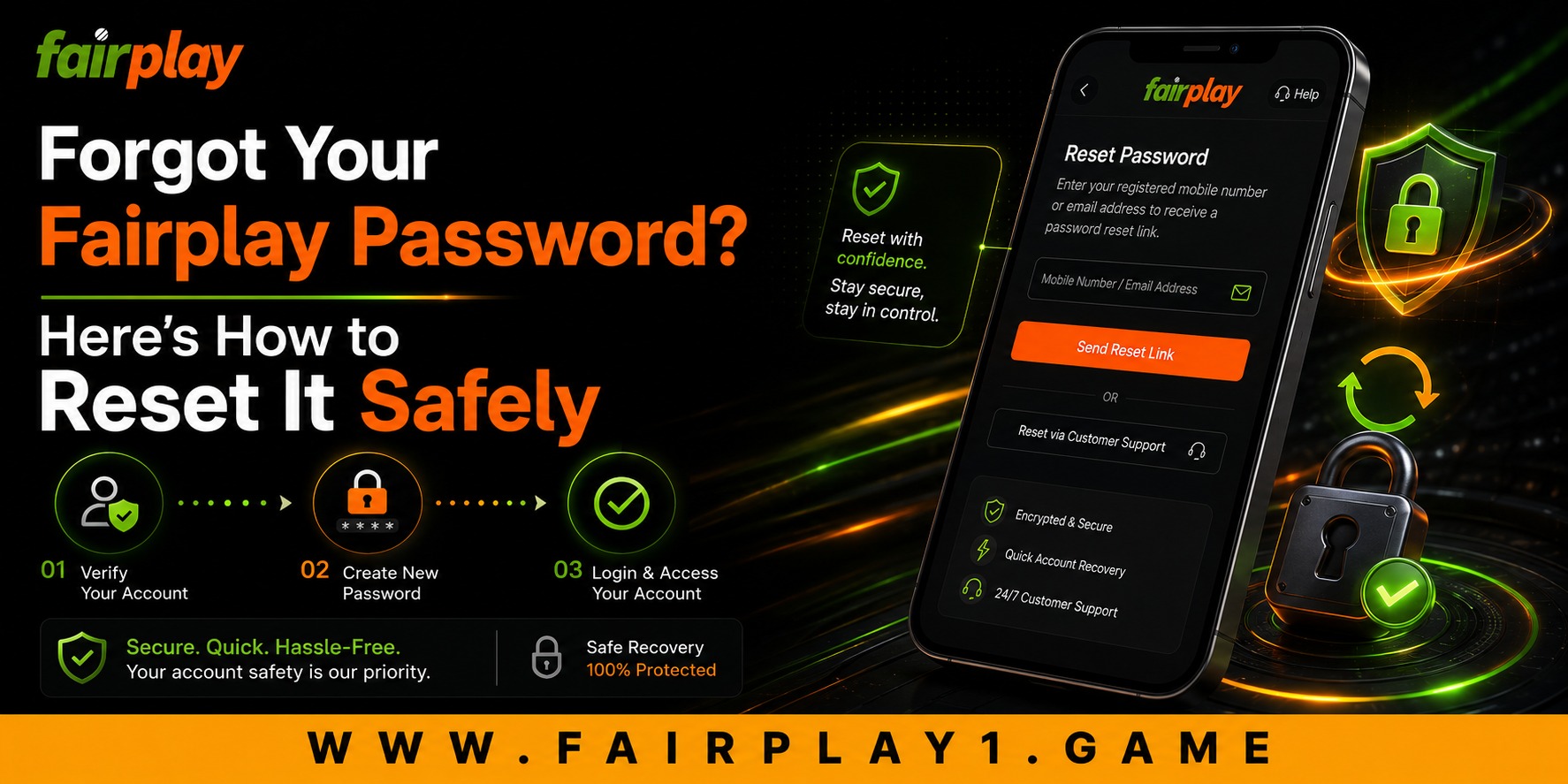
 Forgot Your Fairplay Password? Here’s How to Reset It Safely
 2026-08-13
For many users, accessing an online gaming account is part of a daily routine. Whether checking upcoming cricket matches, reviewing account activity, or exploring new features, a smooth login experience matters. However, it is common to forget a password, especially when we use different passwords for multiple apps and websites. If you are facing this situation on a fairplay betting account, the good news is that recovering access is usually straightforward when done through the correct and secure process.
In this guide, we explain how to reset your Fairplay password safely, what to do if the OTP does not arrive, and how to avoid future login problems. We also look at why secure account recovery has become an important part of the overall customer experience.
Why Password Recovery Should Always Be Done Carefully
When people forget a password, they often try several guesses in a hurry. This can lead to temporary account locks or verification delays. A better approach is to use the official password recovery option from the login page.
A secure recovery process protects:
- Your account balance and transaction history
- Personal information linked to the account
- Saved preferences and login settings
- Access to future withdrawals and verification features
Modern users expect password recovery to be quick, but they also expect it to be safe. The balance between convenience and security is one of the biggest factors that shapes trust in any online platform.
Step-by-Step: How to Reset Your Fairplay Password
If you have forgotten your password, follow these steps carefully:
- Open the official Fairplay login page.
- Select “Forgot Password” or “Reset Password.”
- Enter your registered mobile number or email address.
- Request the OTP or verification code.
- Enter the code exactly as received.
- Create a new password and confirm it.
- Log in using the new password.
Choose a password that is different from your previous one. A strong password usually includes a mix of uppercase letters, lowercase letters, numbers, and special characters.
What If the OTP Is Not Received?
One of the most common recovery problems is an OTP delay. Before requesting a new code repeatedly, check a few basic things:
- Ensure your mobile network is active
- Confirm that the registered number is correct
- Wait at least 30 to 60 seconds
- Check whether SMS blocking is enabled on your device
- Avoid requesting multiple OTPs within a short time
In many cases, the first OTP becomes invalid when a new one is requested. Enter only the most recent code.
Common Password Reset Errors and Their Solutions
| Problem | Solution |
|---|---|
| OTP expired | Request a fresh OTP and enter it immediately |
| Incorrect verification code | Use the latest OTP received |
| Password not accepted | Include letters, numbers, and a special character |
| Account temporarily locked | Wait for the cooldown period before retrying |
| Email or number not recognized | Use the contact details originally registered |
These issues are usually resolved without needing a new account.
Creating a Strong Password Without Making It Hard to Remember
Security should not come at the cost of usability. A good password is one that is both strong and memorable.
Try using:
- A short phrase that is meaningful to you
- A combination of words and numbers
- A special character in the middle rather than only at the end
For example, instead of a simple password, create something longer and less predictable.
Avoid using:
- Your name
- Mobile number
- Date of birth
- Repeated patterns such as 1111 or abcd
How Secure Recovery Improves the Customer Experience
A smooth recovery process is more than a technical feature. It directly affects customer confidence. When users can regain access quickly, they experience less frustration and are more likely to continue using the platform comfortably.
This is where Fairplay com and similar modern platforms focus on improving:
- Faster verification
- Mobile-friendly recovery pages
- Clear instructions
- Reduced waiting time
- Better support for returning users
As customer expectations evolve, people increasingly judge a platform not only by its games or features but also by how easily problems are resolved.
Read more : Fairplay Login Failed: Reasons and Step-by-Step Fixes
Long-Term Value of Keeping Your Account Secure
Resetting a password is also a good opportunity to review your overall account security.
Consider these long-term habits:
- Change passwords periodically
- Do not share OTPs with anyone
- Log out from shared devices
- Keep your registered mobile number active
- Update recovery information when it changes
These small steps reduce the chances of unauthorized access and help maintain a reliable account experience over time.
Thoughtful Digital Habits Matter
Sustainability is often discussed in terms of the environment, but thoughtful digital behavior is also important. Creating fewer duplicate accounts, maintaining accurate account information, and using secure recovery methods help reduce confusion, support requests, and unnecessary verification processes.
Choosing the official recovery method instead of unofficial shortcuts is a smarter and more responsible decision.
Conclusion
Forgetting a password can be inconvenient, but it does not have to become a major problem. By using the official recovery option, waiting for the correct OTP, and creating a strong new password, you can restore access safely and continue using your account with confidence.
The most important thing is to avoid rushed decisions and follow each verification step carefully. A secure and user-friendly recovery process reflects the kind of experience modern users expect from trusted platforms.
If you ever face login or OTP issues, remember that a careful reset process is the safest path back to your account. At Fairplay, we encourage users to protect their credentials, use official recovery tools, and enjoy a smoother and more secure fairplay bet experience.
FAQs
1. How do I reset my Fairplay password?
Go to the login page, click Forgot Password, enter your registered mobile number or email, verify the OTP, and create a new password.
2. Why am I not receiving the Fairplay OTP?
Check your network connection, confirm the registered number is correct, wait a minute, and use only the latest OTP sent.
3. Can I recover my account without the registered mobile number?
You may need access to the registered email or contact official customer support for identity verification.
4. What should I do if my account gets locked after multiple attempts?
Wait for the temporary lock period to end, then try again using the official password reset option.
5. Is it safe to share my OTP with customer support?
No. Never share your OTP with anyone. Official support teams do not need your OTP to help with account recovery.