
 Fairplay Login Page Not Loading: Common Reasons Explained
 2026-08-17
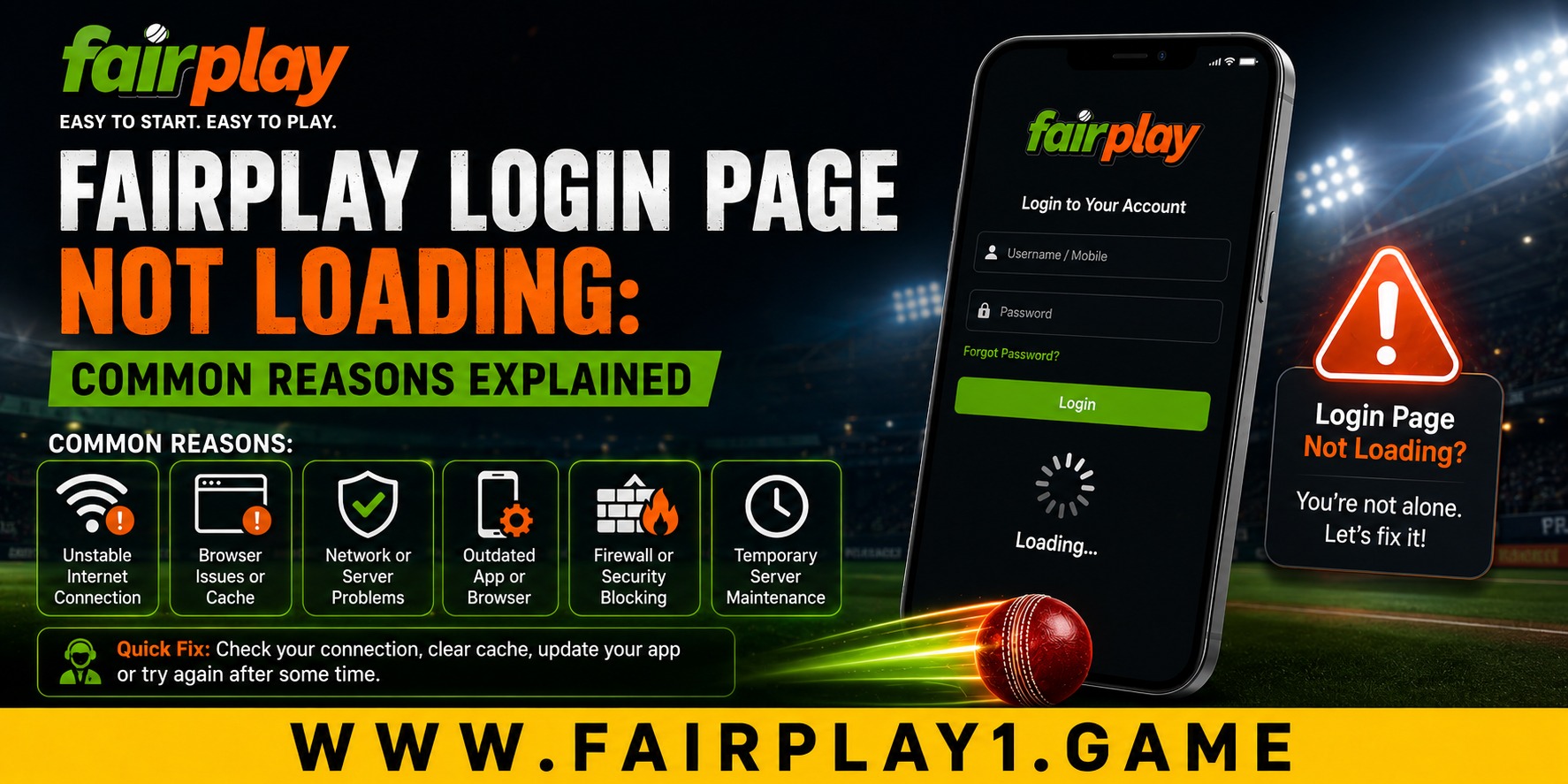
When a login page refuses to load, the problem is not always connected to your account. A slow connection, browser conflict, outdated app, cached files, or temporary technical issue can all prevent Fairplay Login from opening normally. Understanding the likely cause can save time and help users take sensible troubleshooting steps instead of repeatedly entering their details.
For many users, easy account access is an important part of the overall online experience. A login page should be straightforward, responsive, and easy to navigate across commonly used devices. When it is not, knowing what to check first can make the process less frustrating.
Check Your Internet Connection First
A weak or unstable internet connection is one of the simplest reasons a login page may remain blank, load slowly, or display a timeout message.
Try opening another trusted website to see whether your connection is working normally. If other pages are also slow, switch between Wi-Fi and mobile data and try again. Restarting your router can also help when the connection itself is unstable.
This basic check supports a better customer experience because it separates a local connection problem from an issue with the website.
Browser Cache and Cookies Can Cause Problems
Browsers store temporary files and cookies to make websites load faster. However, outdated or conflicting files can sometimes interfere with pages.
If the login page worked previously but has suddenly stopped loading, clearing the browser cache and relevant cookies may help. Opening the page in a private or incognito window is another useful test. If it works there, the problem may be related to stored browser data or an extension.
Keeping your browser updated also contributes to better quality and ease of use over time.
Check Whether the App or Browser Is Outdated
Mobile users may experience loading problems when an application is outdated. Older versions can have compatibility issues after changes to the underlying service or operating system.
Check whether an update is available through the appropriate official source. If an app continues to freeze, closing it completely and restarting the device can be a reasonable first step.
Users should also avoid downloading applications from unknown websites. Thoughtful decisions about software sources can reduce unnecessary security and privacy risks.
Incorrect Details Are a Different Type of Problem
Sometimes the page loads correctly, but access still fails. In that situation, the issue may involve an incorrect username, password, or verification detail.
Check your credentials carefully before trying again. Avoid repeatedly guessing a password because multiple unsuccessful attempts can sometimes trigger temporary security restrictions. If a legitimate password recovery option is available, use that rather than relying on unverified third-party assistance.
Never provide passwords, OTPs, or other confidential login information to someone who contacts you unexpectedly.
OTP Delays and Verification Issues
Some login systems use an OTP or another verification step. Delayed messages can happen because of mobile network conditions, SMS filtering, device settings, or an expired code.
If an OTP does not arrive, check your network connection and SMS inbox before requesting another code. If you request multiple codes, use the newest one and follow the instructions shown on the current login screen.
These small steps improve comfort and reduce unnecessary repeated attempts.
Temporary Technical Problems Can Affect Loading
Not every problem originates with the user's device. Websites can experience maintenance periods, server-side errors, or temporary technical interruptions. Related Fairplay support pages also identify maintenance and technical problems as possible causes of access difficulties.
If your internet connection is stable, the browser is updated, and other websites work normally, waiting briefly and checking the platform's available support channels may be more practical than repeatedly refreshing the page.
Why Simple Access Matters to Customer Experience
Reliable account access is about more than speed. Users expect websites to be easy to understand, responsive on different screen sizes, and consistent across devices.
A well-organised login process supports versatility because customers may access services through a desktop browser, tablet, or smartphone. Clear instructions and accessible support can also make technical problems easier for less experienced users.
Over the long term, these details influence whether customers feel confident using a digital service. Changing customer expectations increasingly favour convenience, transparency, privacy awareness, and straightforward problem resolution.
Make Troubleshooting a Thoughtful Process
Instead of changing several settings at once, work through the basics in order. Check the connection, test another browser, clear temporary browser data, update the relevant software, and then consider account-specific issues.
This approach saves time and makes it easier to identify what actually caused the problem. It is also a more sustainable digital habit because users avoid unnecessary downloads, repeated installations, and random software changes.
If none of these steps works, use the platform's recognised customer support route and explain exactly what happens when you try to open the page. Fairplay-related support pages commonly recommend contacting support for account access and technical issues.
Conclusion
A page that does not load can be frustrating, but the cause is often something simple such as an unstable connection, outdated software, browser data, or a temporary technical interruption. fairplay users should work through these checks calmly and avoid sharing sensitive credentials with unofficial contacts.
Good digital habits also have long-term value. Keeping software updated, using trusted sources, protecting account information, and contacting recognised support when necessary can create a safer and more comfortable experience. Fairplay can support customers more effectively when users provide clear information about the problem they are experiencing.
FAQs
1. What should I do if the page keeps loading without opening?
Check your connection, refresh the page, try a private browser window, and test another updated browser. If the problem continues, contact recognised customer support.
2. Can clearing browser cache help with login problems?
Yes. Outdated cached files or cookies can sometimes interfere with website functionality. Clearing them can be a useful troubleshooting step.
3. What if my OTP is delayed?
Check your mobile signal and SMS inbox, wait briefly, and request a fresh code if necessary. Use the newest verification code and never share it with another person.
4. Should I download another app if the login page does not work?
Avoid downloading software from random websites. First check whether an update or official support option is available, and use only trusted sources.