
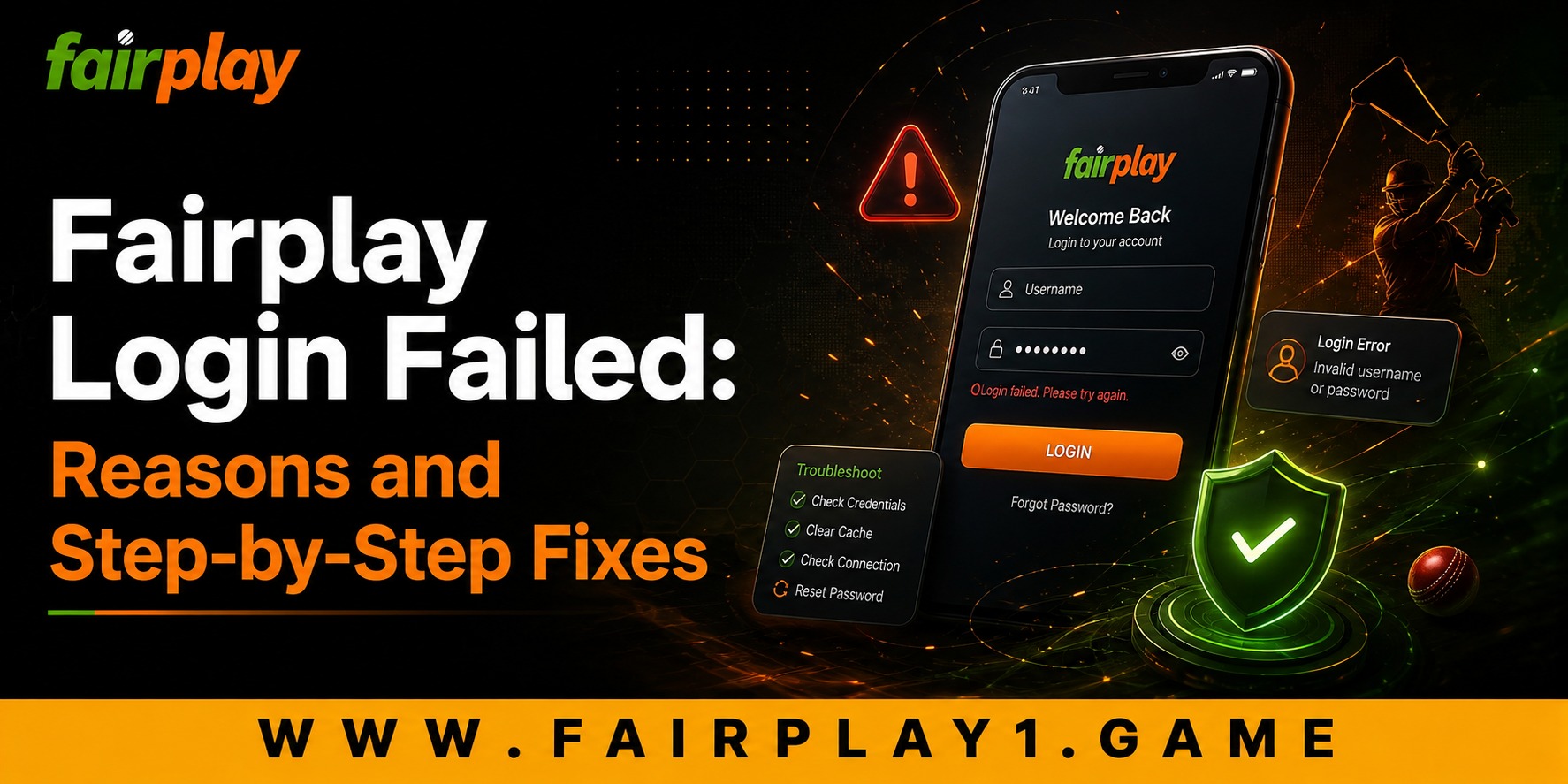
 Fairplay Login Failed: Reasons and Step-by-Step Fixes
 2026-08-12
If you are trying to access your account and the Fairplay Login is not working, you are not alone. Login issues are one of the most common concerns users face on online gaming and sports entertainment platforms. In many cases, the problem is temporary and can be fixed within a few minutes without creating a new account or contacting support.
In this guide, we will explain the most common reasons for Fairplay login failures and provide practical, step-by-step solutions. We will also discuss why a smooth login experience matters for security, convenience, and long-term customer satisfaction.
Why Login Problems Happen
A login system does more than simply open an account. It protects user information, payment details, and account activity. Because of this, platforms often apply security checks that may occasionally prevent access.
The most common causes include:
- Incorrect username or password
- Expired or invalid OTP
- Browser cache and cookies
- Slow or unstable internet connection
- Temporary server maintenance
- Account security restrictions
- Outdated app or browser version
Understanding the exact cause is the first step toward solving the issue quickly.
Check Your Username and Password
Before trying advanced fixes, make sure the login details are correct.
- Re-enter the username carefully.
- Check whether Caps Lock is on.
- Avoid extra spaces before or after the password.
- Use the “show password” option if available.
Many login failures happen because of simple typing errors, especially on mobile devices.
Use the Password Reset Option
If you cannot remember the password, use the official password recovery feature instead of trying multiple guesses.
- Open the login page.
- Select Forgot Password.
- Enter your registered mobile number or email.
- Verify the OTP or recovery link.
- Create a strong new password.
Choose a password that is easy for you to remember but difficult for others to guess.
Fix Browser-Related Login Issues
A corrupted cache or old cookies can prevent the login page from working properly.
On Chrome
- Open Settings → Privacy and Security.
- Select Clear browsing data.
- Choose Cookies and Cached Images.
- Restart the browser.
This often improves loading speed and resolves authentication errors, which helps create a more comfortable and frustration-free customer experience.
Check Your Internet Connection
A weak connection can interrupt OTP verification or session creation.
Try these quick steps:
- Switch between Wi‑Fi and mobile data
- Restart your router
- Move to an area with better signal strength
- Disable VPN temporarily if it is causing delays
A stable connection improves ease of use and reduces repeated login attempts.
Update the App or Browser
Older versions may not support the latest security features.
- Update the Fairplay app from the official source
- Update Chrome, Safari, or Firefox
- Restart your device after updating
Regular updates support quality, security, and long-term platform reliability.
Read more : Fairplay Login Not Working? Common Issues and Fixes
What If the OTP Is Not Received?
OTP delays are usually caused by network congestion or messaging restrictions.
- Wait 30 to 60 seconds.
- Tap Resend OTP only once.
- Ensure your SIM has network coverage.
- Check spam or blocked messages if using email verification.
Avoid requesting multiple OTPs repeatedly, as older codes may become invalid.
Temporary Server Maintenance
Sometimes the issue is not on your device. During maintenance or heavy traffic, login services may respond slowly.
Signs include:
- Login page not loading
- Error messages for all users
- OTP requests failing repeatedly
In such situations, wait a few minutes and try again. Responsible platforms use maintenance to improve performance, security, and future user experience.
Security Restrictions and Account Protection
If the system detects unusual activity, it may temporarily restrict access. This is a security feature designed to protect your account.
You may need to:
- Verify your identity
- Confirm your registered number
- Contact customer support
This thoughtful approach helps protect users who access services such as fairplay bet and other account-based features.
Improving Your Future Login Experience
To avoid repeated problems:
- Save the correct login ID securely
- Use a password manager
- Keep your phone number updated
- Enable additional security features if available
- Log out from shared devices
These habits improve convenience and reduce future support requests.
Changing Customer Expectations
Modern users expect fast, secure, and mobile-friendly access. A good login experience is no longer just a technical feature. It is part of overall customer satisfaction.
People want:
- Quick account access
- Minimal waiting time
- Clear error messages
- Reliable recovery options
- Consistent performance across devices
Platforms that focus on these areas create better long-term value for their customers.
Conclusion
A failed login can be frustrating, but most Fairplay Login problems are easy to solve with a few simple checks. Start with your password, clear browser data, verify your internet connection, update the app, and use the recovery option when needed. These steps usually restore access within minutes.
A secure and smooth login process improves trust, comfort, and overall user experience. As customer expectations continue to evolve, reliable account access becomes an essential part of responsible online entertainment. We remain focused on providing a safer and more convenient experience for users who enjoy fairplay betting, and Fairplay continues to improve its systems to support secure and hassle-free access for every customer.
FAQs
1. Why is my Fairplay Login not working?
Your Fairplay Login may fail due to an incorrect password, expired OTP, browser cache issues, poor internet connection, or temporary server maintenance.
2. How can I reset my Fairplay Login password?
Click on Forgot Password on the login page, enter your registered mobile number or email, verify the OTP, and create a new password.
3. What should I do if I do not receive the Fairplay Login OTP?
Wait for about 30 to 60 seconds, check your network signal, and then use the Resend OTP option only once to avoid invalidating previous codes.
4. Is Fairplay Login safe to use on mobile devices?
Yes, if you use the official app or website, keep your device updated, avoid public Wi-Fi for sensitive access, and never share your password or OTP with anyone.