
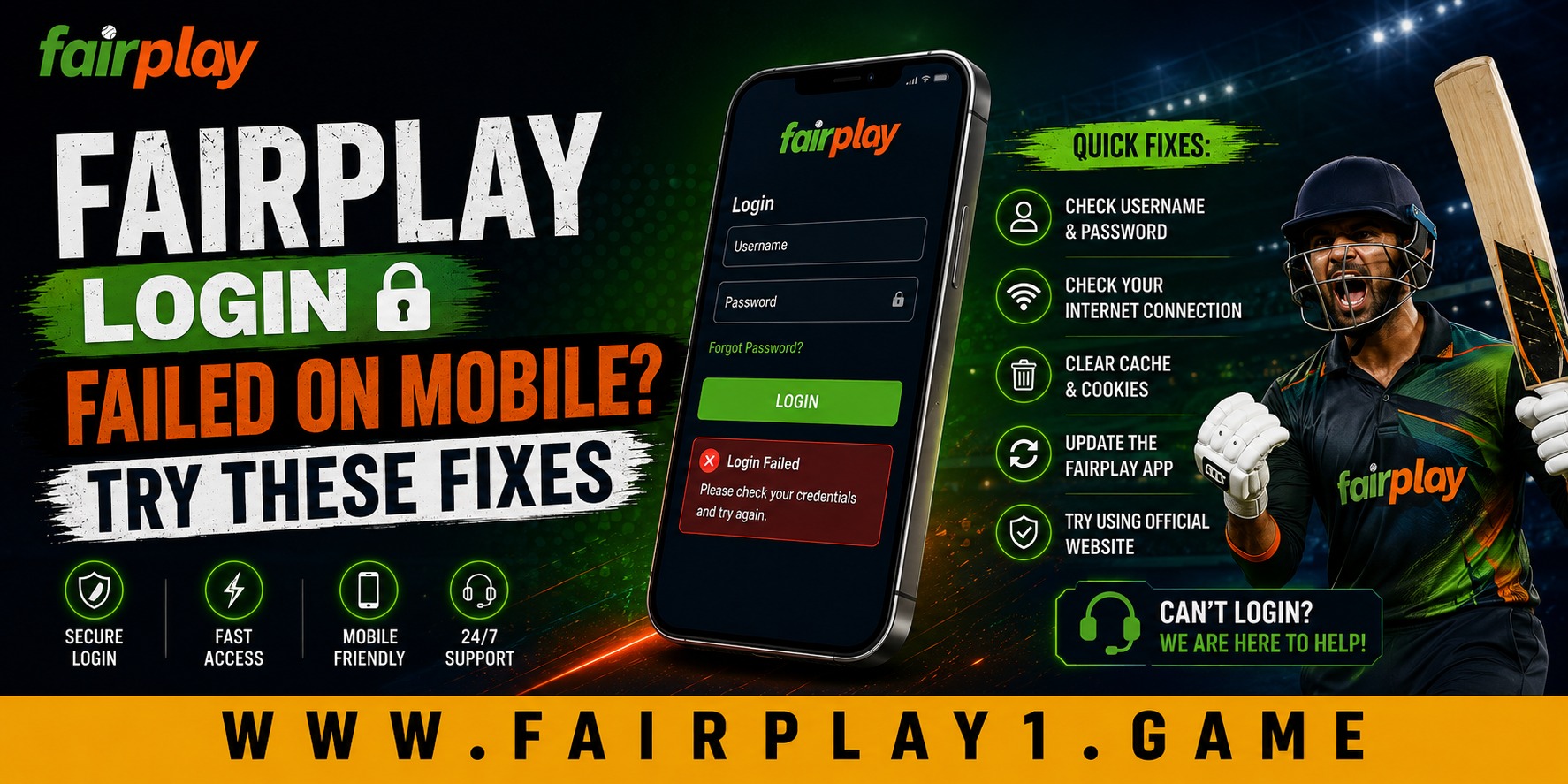
 Fairplay Login Failed on Mobile? Try These Fixes
 2026-09-01
Trying to access an account from a smartphone should be straightforward, but a failed login can quickly become frustrating. A Fairplay login failure does not necessarily mean there is a problem with the account itself. The cause may be something as simple as an incorrect password, unstable internet, an outdated browser, or a temporary issue with the app or website.
For mobile users, the situation can be slightly different because phones rely on changing networks, cached data, device settings, app versions, and browser configurations. Knowing what to check first can save time and prevent repeated failed attempts.
Check Your Internet Connection First
A weak or unstable connection is one of the easiest things to overlook. A login request needs to reach the platform and return a response before access can be completed.
If the login page is taking too long to load, try switching between Wi-Fi and mobile data. You can also turn airplane mode on for a few seconds and then turn it off. If other websites are also loading slowly, the problem may be your connection rather than the login system.
A stable connection also improves the overall mobile experience. It reduces repeated page refreshes and makes account navigation more comfortable.
Recheck Your Username and Password
Typing login details on a small phone keyboard can lead to simple mistakes. Extra spaces, incorrect characters, or an accidentally enabled keyboard setting can cause credentials to be rejected.
Before trying several times:
- Check your username or registered mobile number carefully.
- Make sure the password is entered correctly.
- Check whether your keyboard has changed capitalization.
- Avoid copying an unwanted space along with the password.
- Use the password recovery option if you cannot remember the correct details.
Repeatedly entering incorrect information can potentially trigger temporary security restrictions, so it is better to slow down and verify the details once.
Clear Browser Cache and Cookies
If you normally access Fairplay through a mobile browser, old cached files or cookies may interfere with the current login session.
On most smartphones, you can open the browser settings and clear cached data. You can then close the browser completely and reopen the login page.
Another useful test is private or incognito browsing. If the page works there but not in the normal browser window, stored browser data may be contributing to the problem.
This simple maintenance step can also improve general browsing quality and reduce problems caused by outdated website files.
Update the App or Browser
Mobile platforms change frequently. An outdated app or browser may not work correctly with newer website features or security requirements.
Check your phone's app store for an available update if you are using an app. If you access the service through Chrome, Safari, or another browser, make sure that browser is also updated.
Using current software is useful beyond login access. It can improve compatibility, performance, security, and long-term device usability.
Check OTP and Verification Problems
Some users may reach the verification stage but fail to complete it because an OTP is delayed, expired, or entered incorrectly. If this happens, check that your registered mobile number can receive SMS messages and that your phone has adequate network coverage.
If you request another OTP, use the newest code rather than an earlier one. Avoid repeatedly requesting codes within a short period because this can create additional confusion during verification.
Also check whether your phone's date and time are set automatically. Accurate device time can matter for certain verification systems.
Restart Your Phone
It sounds basic, but restarting a smartphone can resolve temporary software and network issues. Background processes, browser sessions, or connectivity problems may sometimes interfere with account access.
Close the relevant app or browser, restart the phone, wait for the network connection to return, and try again.
This is a quick troubleshooting step that requires no technical knowledge and can make mobile account access easier for less experienced users.
What If the Fairplay Login Still Fails?
If your Fairplay login continues to fail after checking your connection, credentials, browser, app, and verification details, avoid repeatedly attempting to sign in.
Look for an official password recovery or account-support option. If the account has been temporarily restricted after multiple unsuccessful attempts, waiting before trying again may be appropriate. Competitor guides similarly identify incorrect credentials, outdated software, OTP problems, cache issues, and temporary account restrictions as common causes of login trouble.
When contacting support, explain what happens when you try to log in and mention whether the problem occurs in the app, browser, or both. Never provide your password or OTP to someone claiming to offer account assistance. One Fairplay support page also advises users not to share passwords or verification codes.
Why Easy Mobile Access Matters
A dependable mobile experience is increasingly important because customers expect websites and apps to work comfortably across different devices. People may switch between Wi-Fi and mobile data, use different browsers, or access an account while travelling.
Good account access should therefore balance ease of use, security, quality, and reliability. Clear error messages, straightforward recovery options, responsive pages, and useful support can make a noticeable difference to the customer experience.
It is also worth making thoughtful decisions about app downloads. Users should avoid unofficial APK files or suspicious login pages simply because they appear to offer faster access. Choosing legitimate software and keeping devices updated supports safer, more sustainable digital habits over the long term.
Conclusion
A failed mobile login is often caused by a practical issue rather than a serious account problem. Start with your internet connection and login details, then check your browser or app, clear cached data, update your software, and review OTP settings. If the issue continues, use the appropriate account recovery or official support channel instead of repeatedly entering credentials.
With these simple checks, fairplay betting problems can be easier to understand and troubleshoot. Fairplay can also support a better customer experience by keeping mobile access simple, providing clear account-recovery options, and helping users resolve genuine access problems efficiently.
FAQs
1. Why is Fairplay not letting me log in on my phone?
Common causes include incorrect login credentials, poor internet connectivity, outdated software, browser cache problems, OTP issues, or temporary account restrictions. Check each possibility one at a time before trying to log in again.
2. What should I do if my Fairplay OTP is not arriving?
First, check your mobile network and confirm that you are using the registered phone number. Wait briefly before requesting another OTP, and always enter the newest code you receive.
3. Can clearing browser cache fix a mobile login problem?
Yes. Cached files and cookies can sometimes interfere with an existing login session. Clearing the browser cache and cookies, then closing and reopening the browser, may resolve the issue.
4. What should I do if I forgot my Fairplay password?
Use the password recovery option available on the legitimate Fairplay login page and follow the verification instructions provided. Avoid sharing your password or verification code with anyone claiming to help recover your account.
5. Should I keep trying if my account is temporarily locked?
No. Repeated login attempts may make the situation more difficult. If your account is temporarily restricted, wait for the applicable security period to end and use the appropriate account recovery or official support process if needed.