
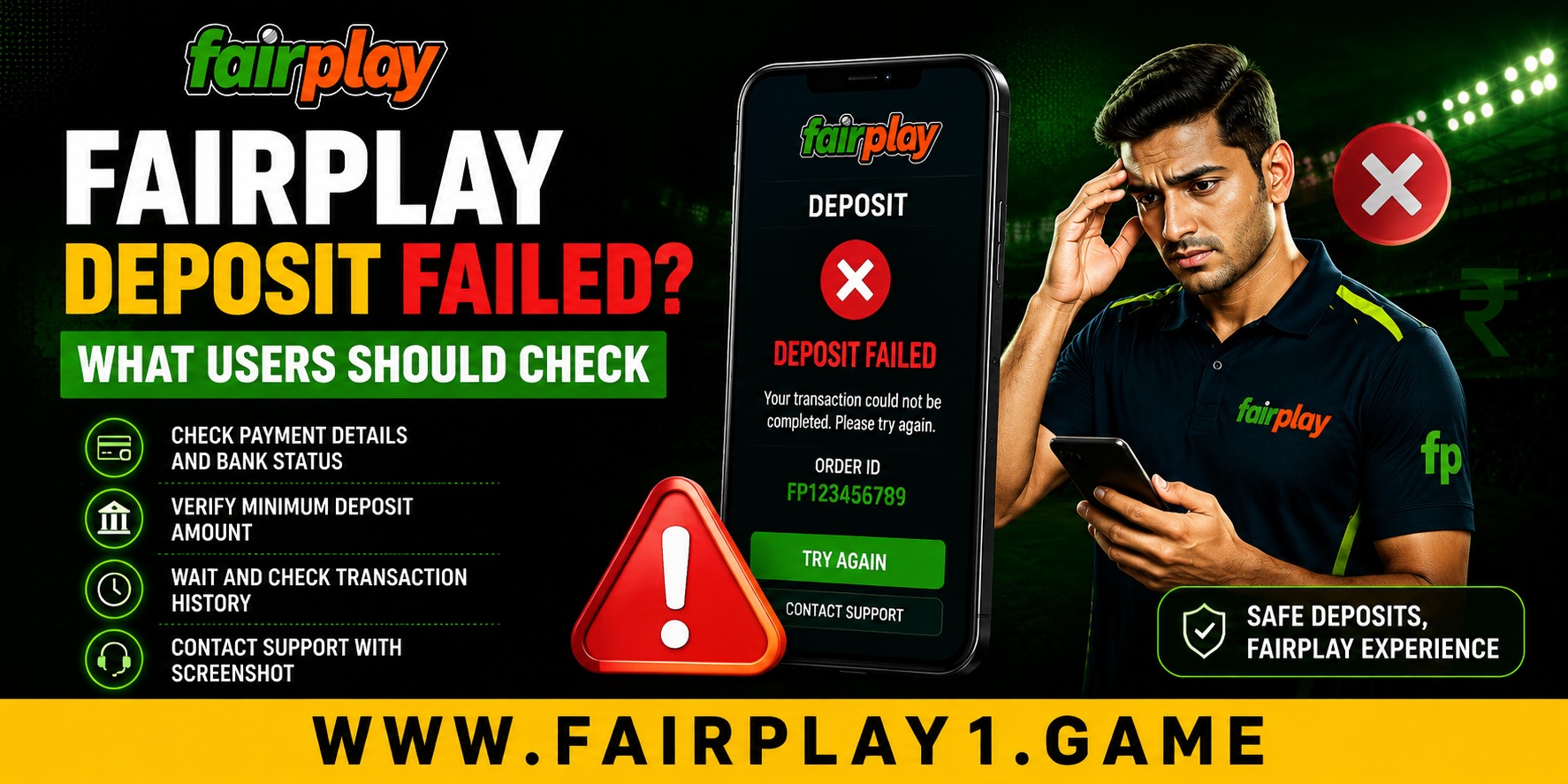
 Fairplay Deposit Failed? What Users Should Check
 2026-08-24
Making a deposit should normally be a straightforward part of managing an online account. However, a payment can sometimes fail because of a bank issue, incorrect details, a payment gateway problem, or a temporary network interruption. Knowing what to check before trying again can save time and help prevent repeated errors.
Several online pages covering Fairplay payments highlight similar troubleshooting points, including checking the payment method, transaction details, account limits, network stability, and keeping the transaction reference when money has already been debited.
Why Can a Deposit Fail?
A failed deposit does not always mean there is a problem with your account. The payment process involves several systems, including your bank, UPI provider or card network, payment gateway, and the receiving platform.
Common reasons include insufficient bank balance, incorrect payment information, an expired payment session, reaching a transaction limit, or a temporary service interruption. A weak internet connection can also interrupt the payment page before confirmation is received.
Before attempting another payment, check your banking or UPI application to see whether the transaction actually failed or is still pending. This simple step can help you avoid making a second payment unnecessarily.
Check Your Payment Details First
Incorrect details are one of the easiest problems to overlook. Before confirming a deposit, carefully review the amount and the payment information displayed on the official payment screen.
If you are using UPI, check that you have selected the correct account and that the payment request matches the information shown. For bank transfers, verify the beneficiary details and transaction reference requirements.
Some payment guides also recommend checking the minimum and maximum amount permitted for the selected method before submitting a transaction.
Check Your Bank or UPI App
If the deposit fails, open your banking or UPI application and check the transaction status. Look for messages such as failed, declined, pending, or successful.
A declined payment may be caused by your bank rather than the gaming platform. In other situations, the bank may show a successful debit while the account balance has not yet updated.
Do not immediately repeat the payment when the status is unclear. Give the transaction time to update and keep the confirmation or reference number available.
What If Money Was Debited but the Balance Did Not Update?
This situation requires extra care. Payment support pages commonly advise users to retain their transaction information when money has been deducted but the deposit has not appeared in the account.
Take a screenshot or save the transaction receipt showing the amount, date, time, and reference number. Then contact the platform's official support channel and provide those details.
Avoid sending your password, UPI PIN, card PIN, or other confidential authentication information to anyone claiming to provide payment assistance.
Check Limits, Verification and Account Information
Deposit limits can vary according to the payment method and account conditions. Some methods may also require additional verification before a transaction can be completed.
If a payment repeatedly fails, review your account information and check whether any verification request is waiting for action. Accurate account details can make payment management easier and reduce unnecessary delays.
This is also where ease of use matters. Clear payment instructions, visible transaction records, and accessible support can make a significant difference to the customer experience. Users should be able to understand what happened without having to repeat the same payment several times.
Try Another Available Payment Method Carefully
If one payment route is temporarily unavailable, another supported option may work. Depending on what is currently offered to your account, this could include UPI, bank transfer, cards, or another payment channel. Available options can change, so always rely on the payment methods displayed in your account rather than information from an unofficial source.
Choosing a payment method should be based on reliability, convenience, limits, and your own comfort with the process. It is better to choose a familiar method and understand its conditions than to rush into an unfamiliar option.
How Better Payment Practices Support Long-Term Value
Good payment habits are useful beyond one failed transaction. Keeping receipts, checking limits, confirming recipient details, and reviewing transaction history can make future account management easier.
There is also a broader expectation from today's customers. People increasingly want online services that are simple on mobile devices, transparent about payment status, and responsive when something goes wrong. A quality experience is not only about fast transactions. It is also about providing clear information when a transaction does not go as planned.
Thoughtful payment management can also reduce unnecessary repeated transactions and avoidable disputes. That makes the process more efficient for both customers and support teams.
When Should You Contact Support?
If your payment remains pending for an unusually long period, your bank confirms that money was debited, or repeated attempts continue to fail, contact the platform through its official support channel.
When contacting support, provide the transaction reference, payment method, amount, date and time, and a screenshot of the payment status if appropriate. Do not share sensitive security credentials.
The same approach applies to fairplay betting. Checking the transaction first, keeping evidence, and using official support channels can make payment problems easier to investigate.
Conclusion
A failed deposit can happen for several reasons, and the best response is to avoid rushing into another payment. Check your bank or UPI status, confirm the payment details and limits, keep your transaction reference, and contact official support if the issue continues. These simple habits improve convenience, security, and long-term account management while helping create a more reliable customer experience.
FAQs
1. Why did my deposit fail?
A deposit may fail because of insufficient funds, incorrect payment details, transaction limits, bank restrictions, network problems, or a temporary payment gateway issue.
2. What should I do if money was deducted but my balance did not update?
Check the transaction status with your bank or UPI provider, save the receipt and reference number, and contact the platform's official support team.
3. Should I try the deposit again immediately?
Not if your bank shows the transaction as pending or successful. Wait for the status to become clear first to avoid accidentally making a duplicate payment.
4. Can changing the payment method fix a failed deposit?
It may help if the original payment channel is temporarily unavailable. However, first check why the initial transaction failed and use only payment methods currently shown in your account.
5. What information should I provide to customer support?
Provide the transaction reference number, amount, payment method, date and time, and relevant payment-status evidence. Never provide your password, PIN, OTP, or other confidential credentials.